 183cdf98eb
* feat(port_forward): Supports local, remote, and dynamic port forwarding types

Added the PortForwardType enumeration to extend port forwarding functionality, supporting three modes:
1. Local forwarding (Local)
2. Remote forwarding (Remote)
3. Dynamic forwarding (SOCKS5)

Refactored the PortForwardConfig model and related adapters, and updated the UI configuration interface to support type selection

* fix(port_forward): Fixed display and validation issues with port forwarding configurations

Fixed the display logic for the local host; when the type is set to “Dynamic Forwarding,” 127.0.0.1 is used by default
Added validation for required fields in remote forwarding configurations to ensure that the remote host and port are not empty
Optimized remote forwarding log messages by removing redundant local address displays

* fix(port_forward): Fixed issues with remote port forwarding configuration and connections

- Fixed the handling of default values when the remote port forwarding type field is empty
- Corrected the labels for local/remote host and port displayed on the remote port forwarding interface
- Fixed the local port validation logic to disallow 0 or negative numbers
- Implemented connection management and error handling for remote port forwarding

* feat (Port Forwarding): Add localization labels for types and optimize code

Add localization labels for local and remote types in the port forwarding feature

Simplify the logic for retrieving prompt text on the port forwarding page
Change the default binding host from ‘0.0.0.0’ to 'localhost'

* fix(port_forward): Fixed an issue with the display format of remote port forwarding addresses

Added special handling for remote port forwarding types in the `displayAddr` method of `PortForwardConfig` to correctly display the remote bound address and port. Also optimized the code formatting to improve readability.

* refactor(port_forward): Remove automatically generated JSON serialization code and implement it manually

Modify the JSON parsing logic in PortForwardConfig and remove the automatically generated .g.dart files
Simplify the handling of localhost addresses in displayAddr
English | 简体中文
Flutter Server Box




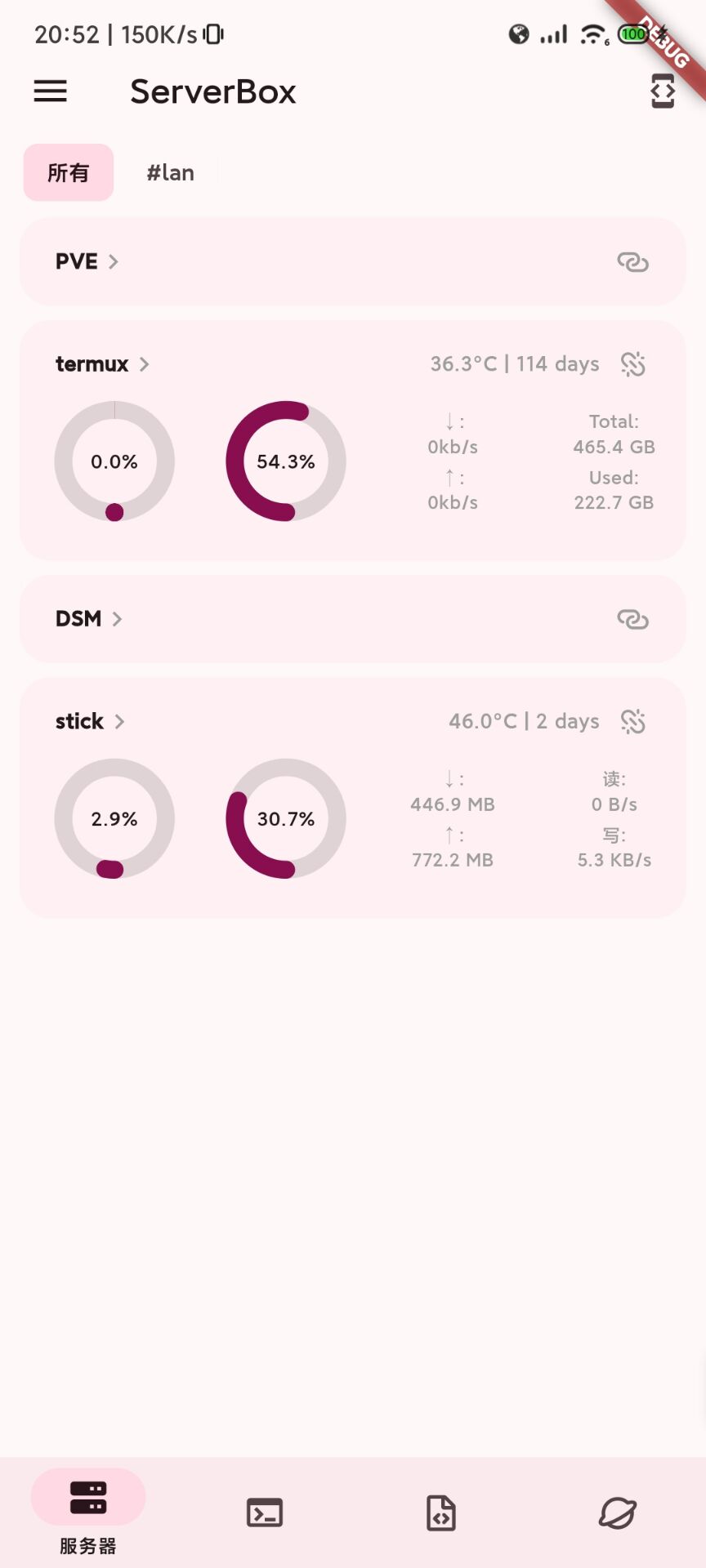
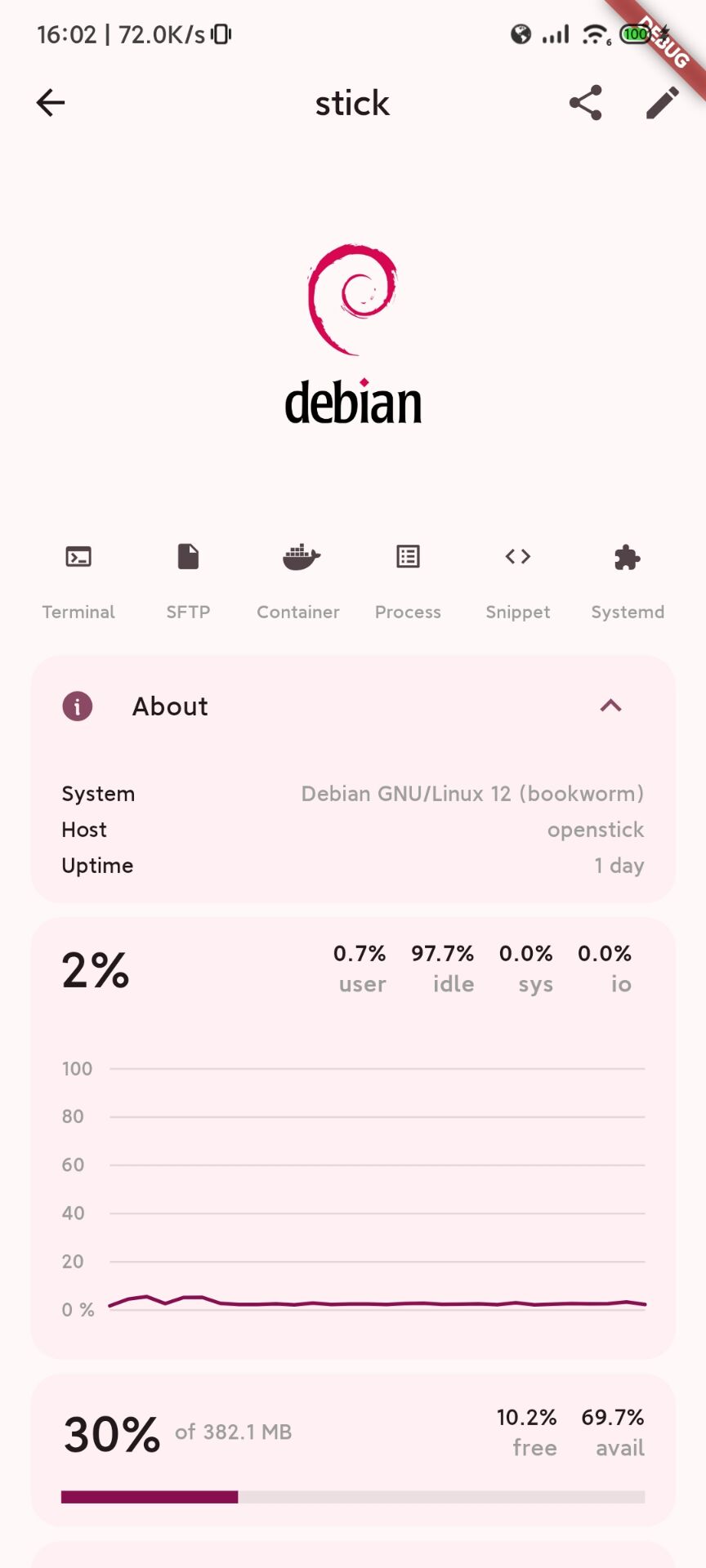
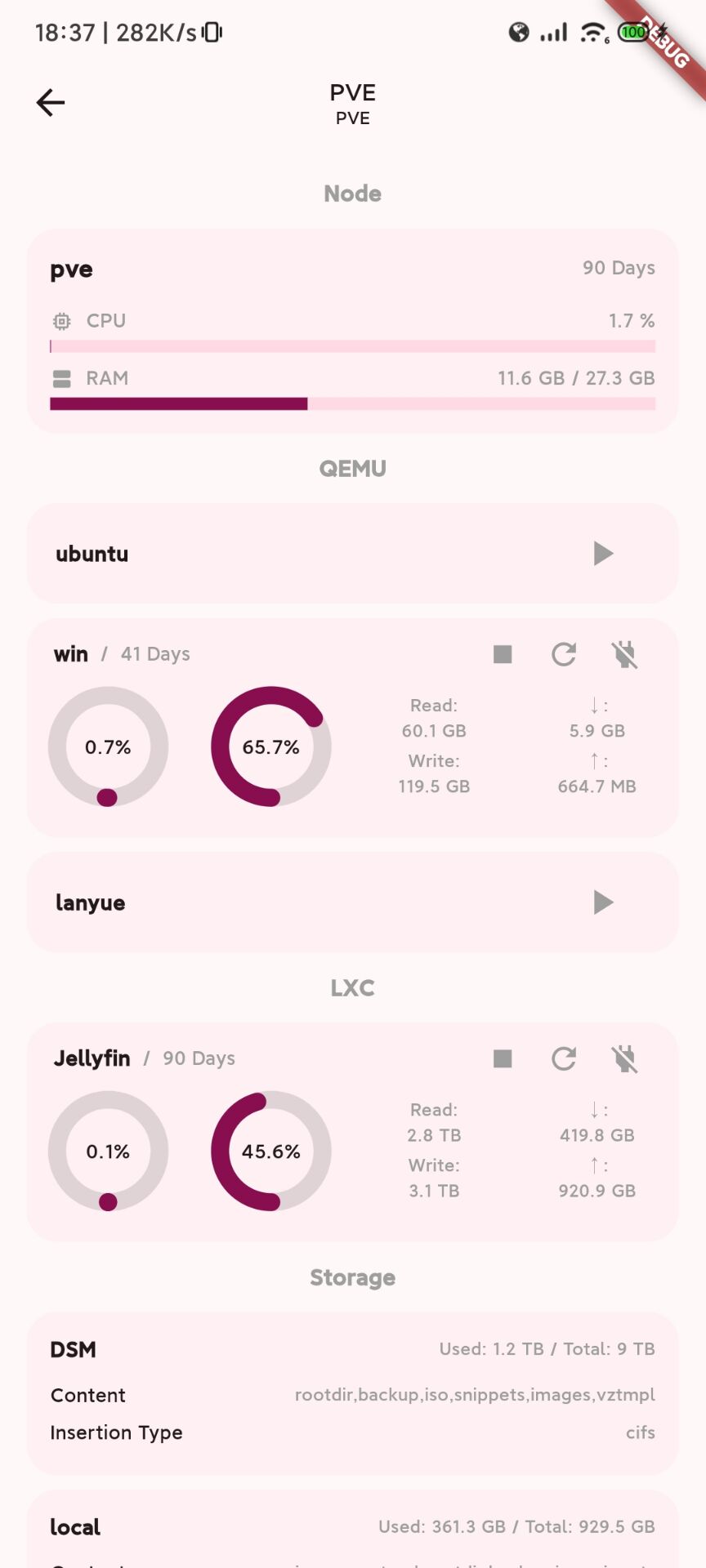
A Flutter project which provides charts to display Linux, Unix and Windows server status and tools to manage servers.
Especially thanks to dartssh2 & xterm.dart.
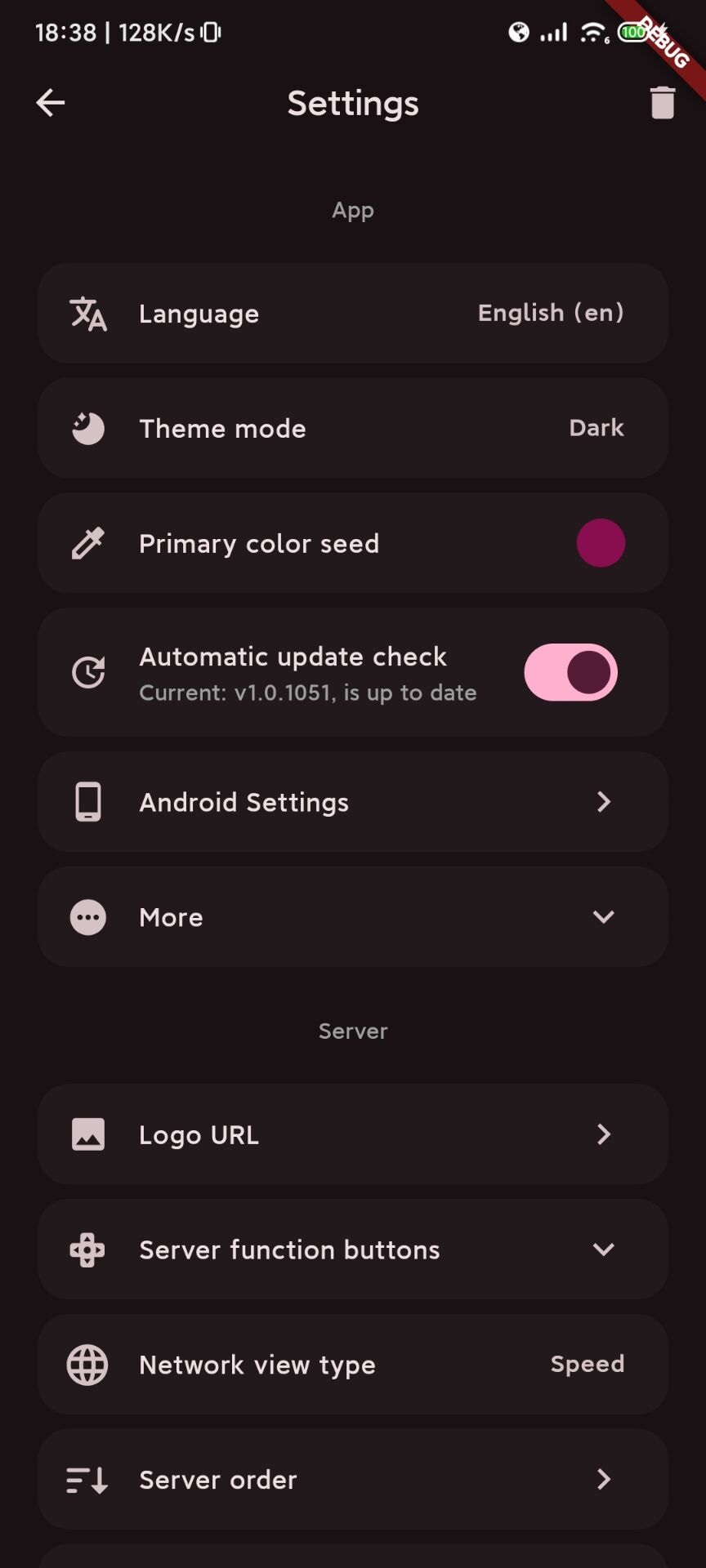
🏙️ Screenshots
 |
 |
 |
 |
📥 Installation
| Platform | From |
|---|---|
| iOS / macOS | AppStore |
| Android | GitHub / CDN / F-Droid / OpenAPK |
| Linux / Windows | GitHub / CDN |
Please only download pkgs from the source that you trust!
🔖 Features
Status chart(CPU, Sensors, GPU...),SSHTerm,SFTP,Docker & Process & Systemd,S.M.A.R.T...- Platform specific:
Bio auth、Msg push、Home widget、watchOS App... - English, 简体中文; Deutsch @its-tom, 繁體中文 @kalashnikov, Indonesian @azkadev, Français @FrancXPT, Dutch @QazCetelic, Türkçe @mikropsoft, Українська мова @CakesTwix; Español, Русский язык, Português, 日本語 (Generated by GPT)
🆘 Help


- In order to push server status to your portable device without opening ServerBox app (Such as message push and home widget), you need to install ServerBoxMonitor on your servers, and config it correctly. See wiki for more details.
- Common issues can be found in app wiki.
Before you open an issue, please read the following:
- Paste the entire log (click the top right of the home page) in the issue template.
- Make sure whether the issue is caused by ServerBox app.
- Welcome all valid and positive feedback, subjective feedback (such as you think other UI is better) may not be accepted.
After you read the above, you can open an issue.
🧱 Contributions
Any positive contribution is welcome.
If I forgot to add your name to the contributors list, please add a comment in the issue or PR you opened to let me know, I will add it as soon as possible.
Development
- Setup Flutter environment.
- Clone this repo, run
flutter runto start the app. - Run
dart run fl_build -p PLATFORMto build the app.
Translation
- Guide can be found in my blog.
- We need your help! Just feel free to open a PR.
💡 My other apps
📝 License
AGPL v3 lollipopkit & all contributors